Insights
Designing, installing and fixing business Wi-Fi and networks, including UniFi and Omada.
27 articles
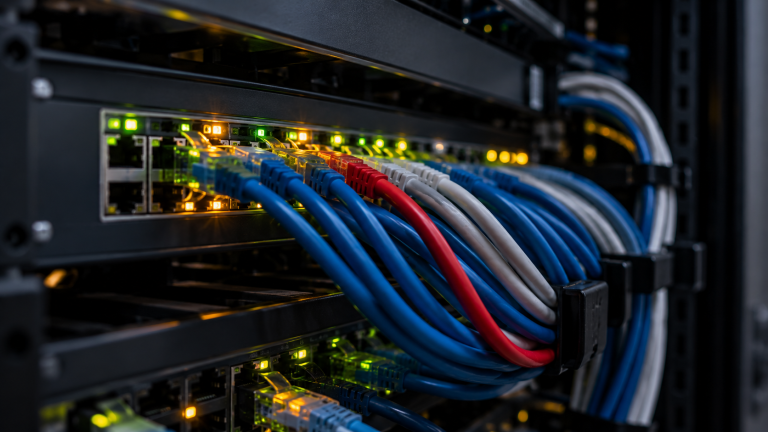
Spanning tree stops network loops. Badly configured, it causes the intermittent faults nobody can reproduce. What it does, how it fails and how to…
Read more →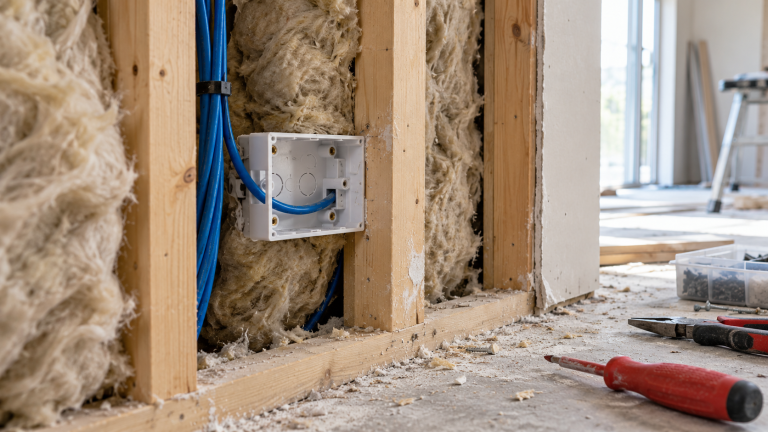
Nobody forgets the electrician. Data cabling is the same job with the same consequences, and it is almost always an afterthought. When to actually…
Read more →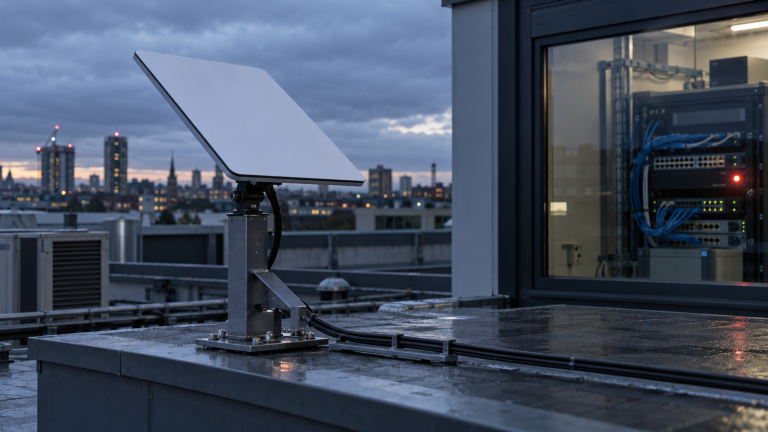
Why UniFi and Omada mark a working Starlink line as down, and the health check, bypass mode and CGNAT settings that stop the network…
Read more →
Bad Wi-Fi is a fast route to a poor review. How 5G keeps holiday lets and Airbnbs online during faults, at new properties and…
Read more →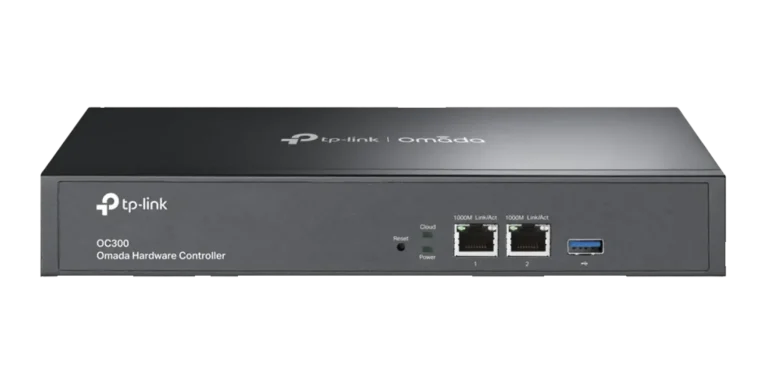
A first-time setup guide for the TP-Link Omada OC300. Adopt your gateway, switches and access points, configure internet and Wi-Fi, then back it up.
Read more →
A first-time setup guide for the UniFi Dream Machine. Connect it, configure the internet, set up Wi-Fi, adopt access points and then lock it…
Read more →The Omada OC300 maintenance routine most people skip. Back up first, update in the right order, automate your backups and keep a copy off…
Read more →How to set up TP-Link Omada for hotels and HMOs, and the VLAN, ACL, controller and PPSK mistakes that let residents see each other…
Read more →The UniFi maintenance routine most people skip. Back up first, update in the right order, enable scheduled updates and keep a copy off site.
Read more →How to set up a UniFi Dream Machine for hotels and HMOs, and the VLAN, PPSK and isolation mistakes that let residents see each…
Read more →Set up remote access on a TP-Link Omada OC300. Choose client-to-site or site-to-site, enable the gateway VPN, create users and limit what they reach.
Read more →
Why old buildings defeat Wi-Fi, what listed building consent covers inside as well as out, and the approach that gets coverage without damaging the…
Read more →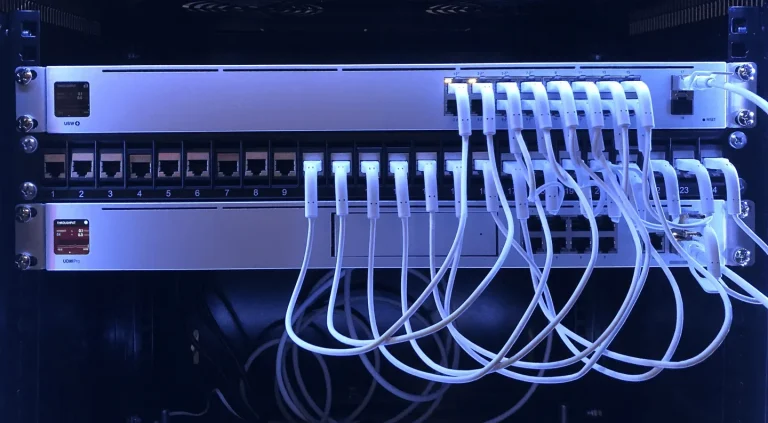
Set up remote access on a UniFi Dream Machine. Compare Teleport, WireGuard and OpenVPN, enable the server, create users and limit what they can…
Read more →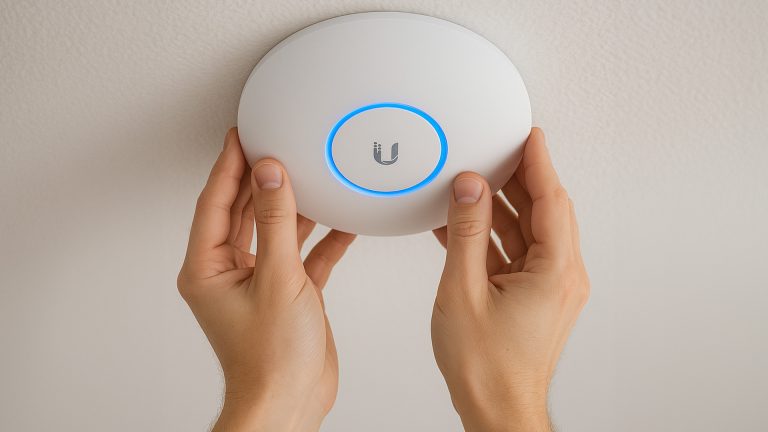
The most common Ubiquiti UniFi problems in business networks, from sticky devices and roaming faults to VLANs and dashboard warnings nobody can read.
Read more →
Teams calls freezing, devices that will not connect, adoption stuck on pending. The Omada faults we see most in business networks, and the fix…
Read more →Set up VLANs on a TP-Link Omada OC300 so a hacked camera cannot reach your business computers. Plan the lanes, assign SSIDs and ports,…
Read more →Set up VLANs on a UniFi Dream Machine to keep cameras and smart devices away from your business computers. Plan the lanes, assign Wi-Fi,…
Read more →Safe guest Wi-Fi on a TP-Link Omada OC300: a dedicated SSID, a separate guest VLAN, captive portal and rate limits, plus how to test…
Read more →Safe guest Wi-Fi on a UniFi Dream Machine: a dedicated guest network, client isolation, a captive portal and bandwidth limits, plus how to test…
Read more →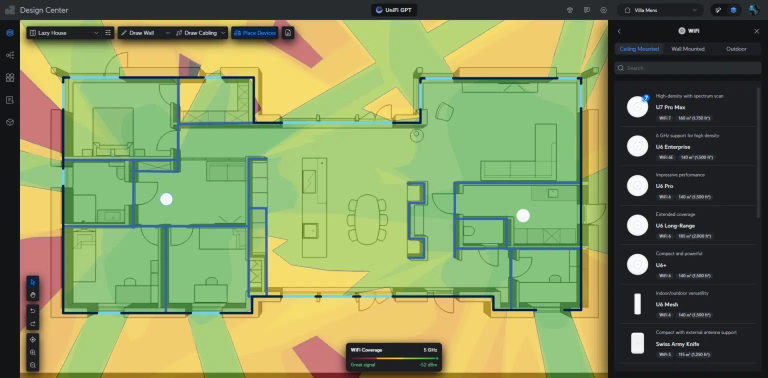
Full bars but slow Wi-Fi? Cross-channel interference is a common, overlooked cause. What it is, how it affects your network and how to fix…
Read more →Buffering, dead zones and dropped calls are not bad luck. The seven most common office Wi-Fi mistakes we see, and exactly how to fix…
Read more →
Guest Wi-Fi can quietly become a back door into your business. The settings to check: separation, client isolation, passwords, portals and limits.
Read more →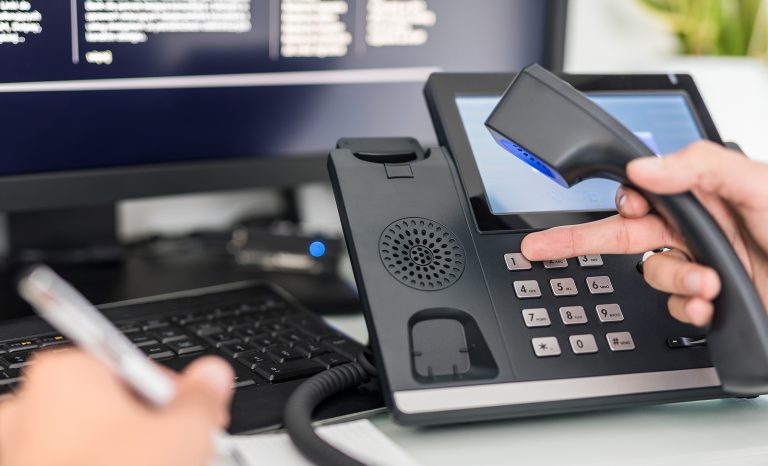
If your phones run over the internet, they share the network with everything else. When a voice VLAN genuinely helps, and when it is…
Read more →
A VLAN keeps the different things on your network in separate lanes. Explained with an office-building analogy, with examples for guests, CCTV and phones.
Read more →When 100+ devices compete for airtime, a consumer router fails. How we design high-density Wi-Fi for hotels and HMOs: surveys, placement and VLANs.
Read more →Placement, channels, power and roaming: the four usual causes of one dead corner, how to tell which you have, and what to check before…
Read more →
Half the time the internet is fine and the Wi-Fi is the problem. A five-minute test with a cable, a speed test and a…
Read more →Tell us how your business works and we will point you the right way. No pressure either way.
We would like to measure which pages help people find us. That uses cookies, and only if you say yes. See our cookie policy.
