
TP-Link Omada is a strong, cost-effective choice for hotels, guest houses and HMOs. One controller manages the gateway, switches and access points, and it can give every room or tenant a private network from a single Wi-Fi name. As with any system that capable, it is easy to finish a setup that works on day one and still leaves residents able to see each other, or the building’s cameras on the guest network. Here is how we set Omada up for multi-occupancy buildings, and the mistakes we fix most often.
The 30-second version
- Separate LANs are not separated until you add ACLs. The Omada gateway routes between them by default.
- The controller matters more than people think. Put it on dedicated hardware or in the cloud, not on a PC someone switches off.
- PPSK gives each room or tenant their own key and network, on one Wi-Fi name. It needs a plan for issuing and changing keys.
- Port profiles, Bonjour rules and address pools are where tenant networks quietly leak or run out.
- We are certified on TP-Link Omada and set these up across Merseyside and the North West.
On this page
- Why hotels and HMOs need more than a standard setup
- How an Omada network fits together
- The setup, in the right order
- Pitfall: LANs created, but nothing stopping traffic between them
- Pitfall: the controller running on the reception PC
- Pitfall: trusting the guest network tick-box
- Pitfall: PPSK set up without a plan for the keys
- Pitfall: the “All” port profile on in-room sockets
- Pitfall: Bonjour rules that let tenants see each other
- Pitfall: address pools and bandwidth on a full house
- Where these setups go wrong most often
- Frequently asked questions
Why hotels and HMOs need more than a standard setup
In an office, everyone on the network works for the same organisation. In a hotel or house in multiple occupation, the network is shared by people who have nothing to do with each other, and each of them expects it to feel private.
- Residents must not see each other’s devices, but their own phone, TV and speaker still need to work together.
- The owner’s systems must be out of reach: CCTV, door entry, tills, booking systems and heating controls.
- Access has to follow people in and out, because guests check out and tenants move on.
How an Omada network fits together
An Omada network has four parts: a gateway that routes and firewalls, switches that connect everything, access points that provide the Wi-Fi, and a controller that configures and monitors all of them from one place.
The controller can run on a dedicated hardware box, as software on a computer or server, or in TP-Link’s cloud. That choice matters more in a hotel or HMO than almost anywhere else, for reasons covered below.
The setup, in the right order
- Take the ISP router out of the way. Put the broadband provider’s router into modem or bridge mode where possible, so the Omada gateway is the only router and you avoid double NAT.
- Decide where the controller lives. Choose a hardware controller in the comms cabinet or a cloud controller, before anything is adopted.
- Adopt in order, then update. Gateway first, then switches, then access points, and bring the firmware up to date before configuring. Then schedule future updates.
- Plan the networks on paper, including who should be able to reach what.
- Create the networks, then the ACLs. The separation comes from access control rules, not from the VLANs.
- Set the port profiles for access point uplinks, cameras, tills and every in-room socket.
- Keep Wi-Fi names to a minimum, using PPSK for per-room or per-tenant access.
- Turn on automatic controller backups, so a failed controller is an inconvenience rather than a rebuild.
| Network | What lives on it | Can reach |
|---|---|---|
| Management | Gateway, switches, access points, controller | Only administrators |
| Business | Reception PCs, booking system, tills | The internet, printers, management for admins |
| Security and building | CCTV, door entry, heating and alarm panels | Only what each device needs |
| Residents | Guests or tenants, ideally one network per room or tenant | The internet only |
Pitfall: LANs created, but nothing stopping traffic between them
The most common thing we find. A guest LAN, a staff LAN and a CCTV LAN have been created, each on its own VLAN, and everyone assumes they are walled off from each other.
They are not. The Omada gateway routes between its LANs by default, so a device on the guest network can often reach the CCTV recorder or the booking PC. Separation comes from gateway ACLs: rules that deny traffic from each resident network to your internal networks, and between resident networks.
There is a second trap on larger sites. If a Layer 3 switch has been configured to route between VLANs, that traffic never passes through the gateway, so the gateway’s ACLs never see it. Either keep routing on the gateway or apply the equivalent rules on the switch. Whichever you choose, test from a guest device afterwards.
Pitfall: the controller running on the reception PC
The software controller is free, so it often ends up installed on whatever computer is to hand, usually the reception or office PC. Then the PC is switched off at night, restarted for updates, or replaced, and the controller goes with it.
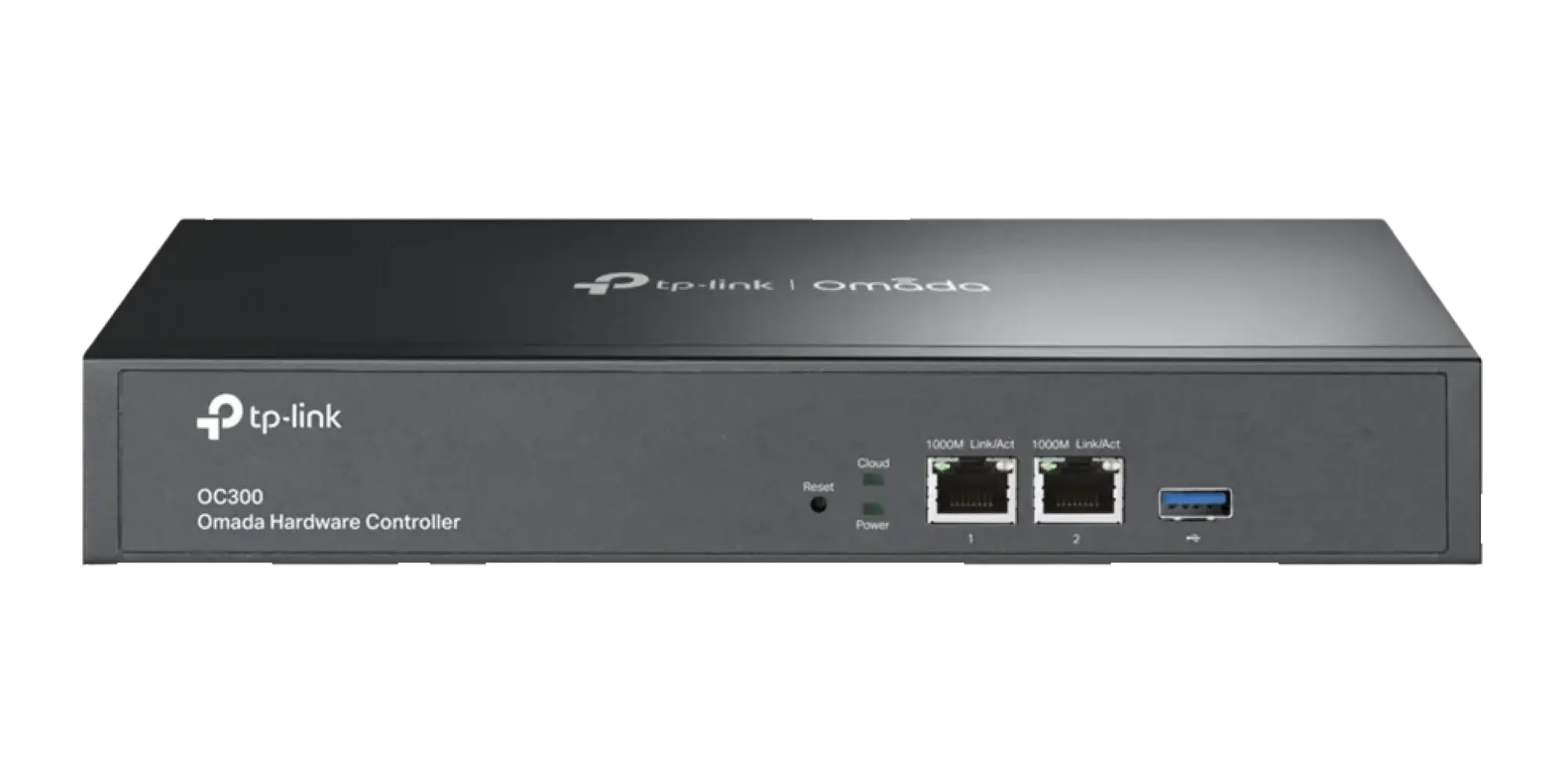
Much of the network keeps running without the controller, but features that hotels and HMOs rely on, such as the captive portal, statistics and central changes, depend on it being available. A hardware controller such as the OC200 or OC300 sits in the comms cabinet and simply stays on. A cloud controller is the other sensible option. Either way, turn on automatic backups of the controller configuration.
Pitfall: trusting the guest network tick-box
Omada lets you mark a wireless network as a guest network, which blocks those users from reaching your private networks. It is a useful setting, and it is often treated as the whole answer.
It only applies to that wireless network. It does nothing for wired devices in rooms, other SSIDs, or the building systems that ended up on the wrong network during installation. And on its own it does not give residents a private space where their own devices can see each other. Use it as one layer, alongside proper ACLs and per-tenant networks.
Pitfall: PPSK set up without a plan for the keys
PPSK, or private pre-shared key, lets one Wi-Fi network have many passwords, each able to place the person on a different VLAN. Room 7 and room 8 join the same Wi-Fi name with different keys and land on separate private networks. Omada supports it, and it is the right tool for multi-occupancy buildings. The problems are almost always around it rather than in it:
- It needs WPA2 personal security. PPSK does not work with WPA3, so do not change the security mode without checking.
- Keys need a register. Name each key by room or tenant and record who has it. Without that, nobody knows which key to change when someone leaves.
- Keys must change when residents do. An old tenant’s devices keep connecting until their key is changed.
- The privacy comes from the VLAN, not the key. Two keys pointing at the same VLAN put those residents on the same network.
- Per-tenant VLANs still need ACLs to stop them reaching each other and your internal networks.
One Wi-Fi name is better Wi-Fi
Every Wi-Fi name an access point broadcasts takes up airtime, whether or not anyone is using it. Replacing a separate network per room with one name and PPSK frees up capacity in a busy building, as well as looking tidier.
Pitfall: the “All” port profile on in-room sockets
Omada switch ports start on a profile that carries every network, with the default network untagged. Leave an in-room ethernet socket on that profile and anything a tenant plugs in lands on the default network, which is usually where your gateway, switches and controller live.
Create a profile for each room or tenant network and apply it to that room’s sockets, so a wired device lands on the same private network as the resident’s Wi-Fi.
The opposite mistake affects access points. Their uplink ports must carry the management network and the resident VLANs. Change the uplink profile or an access point’s management VLAN carelessly and it disconnects from the controller.
Pitfall: Bonjour rules that let tenants see each other
Casting, AirPlay and wireless printing rely on discovery traffic that does not cross between networks. Omada’s Bonjour service can pass it between VLANs, which is useful for letting staff reach a shared printer.
Set too broadly, it undoes the privacy you have just built, because every tenant’s TV and speaker becomes visible to every other tenant. With a network per tenant, most residents do not need Bonjour forwarding at all, because their own devices are already on the same network. Keep any rules narrow and specific.
Pitfall: address pools and bandwidth on a full house
A guest network sized for around 250 devices with day-long address leases runs out quickly in a busy hotel, once you count every phone, laptop and watch, plus yesterday’s guests whose addresses are still reserved. New arrivals connect and get no internet. Use a larger range and shorter leases on busy guest networks.
Bandwidth needs the same thought. Omada supports rate limits per wireless network and per client, which stop one resident’s downloads from slowing the building down. If people regularly hit the limits, the connection itself is the bottleneck, and it may be time for full fibre or a leased line.
For wider Omada faults, including adoption problems, roaming and card machines, see our guide to common TP-Link Omada problems.
Where these setups go wrong most often
Ranked by how often we find each one when we are asked to look at an existing hotel or HMO network running Omada:
| What we find | How often we see it | What it causes |
|---|---|---|
| VLANs with no ACLs between them | Very common | Residents can reach CCTV, tills or each other |
| Controller on a PC that gets switched off | Very common | Portal logins fail and nobody can manage the network |
| Building systems on the guest Wi-Fi | Common | Security kit exposed to every resident |
| In-room sockets on the “All” profile | Common | Wired devices land on the management network |
| No register of PPSK keys | Common | Former tenants still connecting |
| Bonjour forwarding set too broadly | Occasional | Tenants can see each other’s TVs and speakers |
| Address pool too small | Occasional | New guests connect but get no internet |
Running a hotel, guest house or HMO on Omada?
We design, install and manage Omada networks for multi-occupancy buildings, with private networks per room or tenant, the owner’s systems kept separate, and a proper plan for keys and controller backups.