
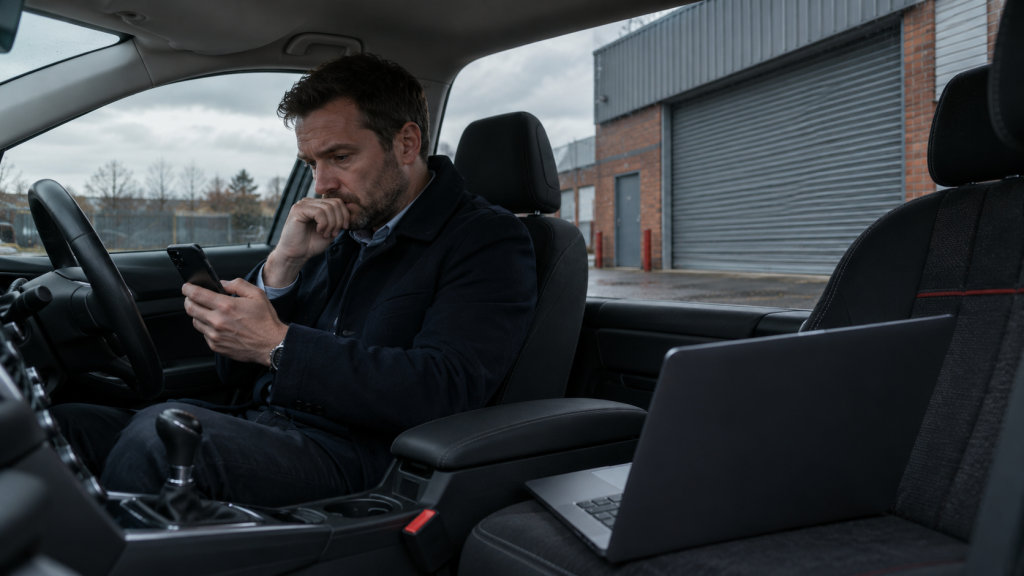
Most continuity planning stops at the router. Put a backup line in, set up failover, job done. That covers the building. It does not cover the morning the building is unreachable, the power is off, or the fault is upstream of anything you own. On those days the thing that keeps you trading is already in everyone's pocket, and almost nobody has set it up in advance.
The short version
- Failover protects the office. Mobiles protect the business. They are different problems.
- Calls are the urgent part. If customers cannot reach you, nothing else matters that morning.
- Set the diverts up now, because you cannot configure a phone system you cannot reach.
- Tethering is a stopgap, not a plan, and it fails in predictable ways.
- Test it once a year. An untested plan is a guess.
On this page
What failover does not cover
Automatic failover to a mobile connection is genuinely good, and if you do not have it you should read our guide to setting it up. But it solves one specific problem: the line into the building has failed while the building is otherwise fine.
It does nothing for the other scenarios:
- A power cut. Your router and failover kit are both off. Our guide to phones and internet in a power cut covers what survives.
- Nobody can get to the building. Flooding, a fire alarm, a road closed, snow.
- A fault upstream of your kit, affecting the exchange or the area rather than your circuit.
- A problem with the premises themselves, where the business continues but the address does not.
In all four, the business is still capable of trading. It just has to do it from somewhere else, on the devices people are carrying.
Calls first
Whatever else breaks, the thing that costs you money within the hour is customers ringing and getting nothing. Every missed call on an outage day is someone who rings a competitor next.
This is where a hosted phone system earns its place, because the numbers are held in software rather than on a line into your building. Three things are worth setting up before you need them:
- A divert rule you can trigger from a phone. Not from a desktop in the office you cannot get into. Know who can switch it and how.
- The mobile app on the right handsets. Staff take and make calls on the business number from their mobile, so customers see the usual number and staff do not hand out personal ones.
- An out-of-hours message you can change quickly, so if you are going to be down for the day you can say so rather than letting it ring out.
The detail people miss: if your main number rings a physical handset in the office, a divert set on that handset will not help when the handset has no power. The divert has to live in the phone system, not on the device.
Getting people working
Once calls are handled, the rest is about getting enough connectivity to the people who need it.
For most businesses that means mobile data, either on the phones themselves or shared out to laptops. What matters is that it is arranged in advance:
- Know which lines have enough allowance to carry a day of real work. This is where pooled data helps, because a shared pot absorbs an unusual day without anybody hitting a cap.
- Know who needs a laptop online and make sure those people can tether or have a data SIM in a travel router.
- Keep a spare data SIM and a small 5G router if you have a site that genuinely cannot stop. Our post on data SIMs for routers and temporary sites covers the kit.
Where tethering falls over
Tethering is the default answer and it works, up to a point. The failures are predictable, so plan around them.
| Problem | What to do about it |
|---|---|
| Battery | A phone tethering a laptop drains fast. Car chargers and power banks in the office, not at home. |
| Data caps | A day of real work moves far more data than a normal day. Pooling absorbs it; individual bundles do not. |
| Signal where people actually are | Coverage at home or at a customer site may be worse than the office. Different users on different networks helps. |
| Too many people, one phone | Tethering is fine for one or two laptops, poor for a team. A small 5G router is better. |
| Nobody has done it before | Show people once, in advance. An outage is a bad time to learn. |
A plan that fits on one page
Continuity plans fail because they are long. This one is deliberately short enough that somebody will actually read it on the day.
- Who declares it. One named person decides the office is down and the plan is on.
- How calls move. Where the divert lives, who can trigger it, and where calls go.
- Who needs data and how they get it. Named people, named method.
- What the message says. A pre-written line for the phone system, the website and social, so nobody has to compose it under pressure.
- How you stand down. Who reverses the diverts, and when.
Then test it once a year. Pick a quiet afternoon, pretend the building is gone, and see what actually happens. The gaps show up immediately and they are always small, cheap things.
Would your business keep trading tomorrow?
We will look at how your calls are routed, what happens to them when the building is unreachable, and whether your mobiles could carry the business for a day. It is a short conversation and it usually surfaces one thing worth fixing.